
This counts toward the Convert pillar of your Fitune Health Score. A slow or confusing checkout is one of the most common reasons a client gives up before finishing a booking — every extra tap, every re-typed card number, every payment that fails without explanation is a chance to lose a sale you'd already won. This article shows you what Fitune already does automatically to keep checkout fast and secure, and what you can do to make sure your clients feel that difference.
Before you start:
this item assumes online payments are already active on your account (see "What Is Stripe and How to Connect It with Fitune").
Apple Pay, Google Pay, and 3D Secure only appear at checkout once Stripe is connected and approved.
One-tap payment with Apple Pay and Google Pay
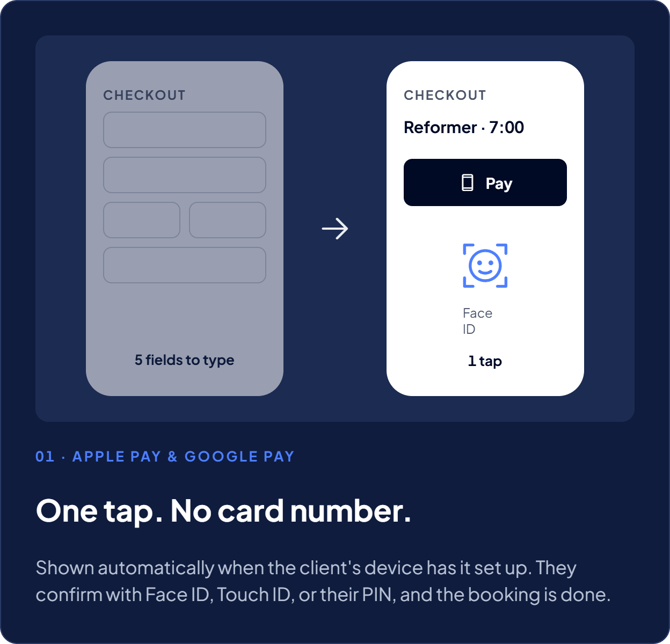
If a client’s phone or browser has Apple Pay or Google Pay set up, Fitune shows it as a payment option at checkout. You don’t need to turn anything on or set anything up.
The client taps once and confirms with Face ID, Touch ID, or their device PIN. The booking is done, and they never type a card number.
This helps because typing card details on a phone is the biggest reason people leave checkout. The fewer fields a client has to fill in, the more likely they are to finish booking, instead of closing the tab to “do it later” (which often means never).
3D Secure: safe payments without extra hassle
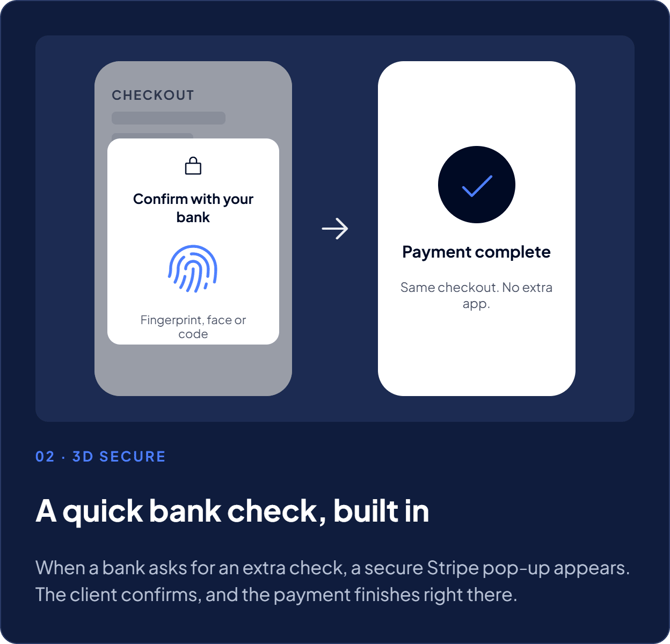
Some banks ask for an extra check before a payment goes through. This is called 3D Secure.
When that happens, Fitune automatically shows the client a secure pop-up from Stripe. The client confirms with their bank, usually with a fingerprint, a face scan, or a code. The payment then finishes in the same checkout, with no separate app or page.
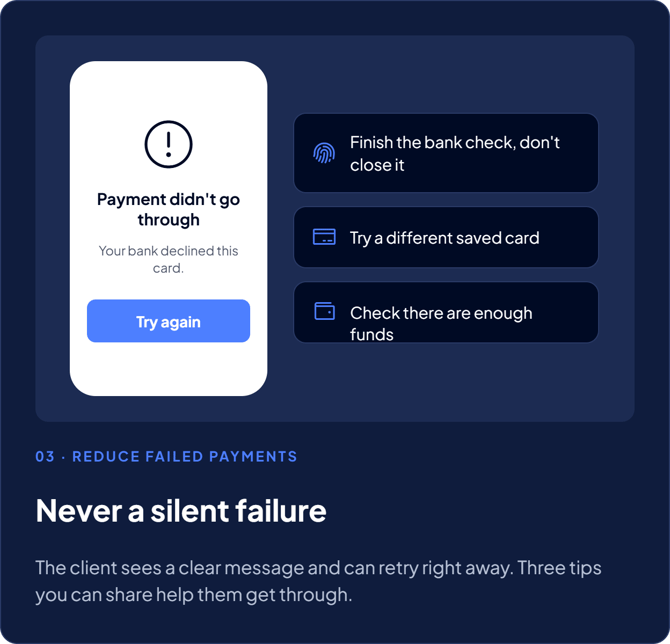
If a payment doesn’t go through, the client sees a clear message and can try again right away. This can happen because of a failed check, not enough funds, or a card that isn’t enabled for online purchases. The booking never fails silently.
How you can help reduce failed payments
- Ask clients to finish the bank check when it appears, and not to close it. It’s a normal part of paying online, not an error.
- If a payment fails, suggest trying a different saved card. Not every card is enabled for online or recurring payments.
- If a client says their payment keeps failing, ask them to check that they have enough funds before assuming it’s a Fitune issue.
Why it matters
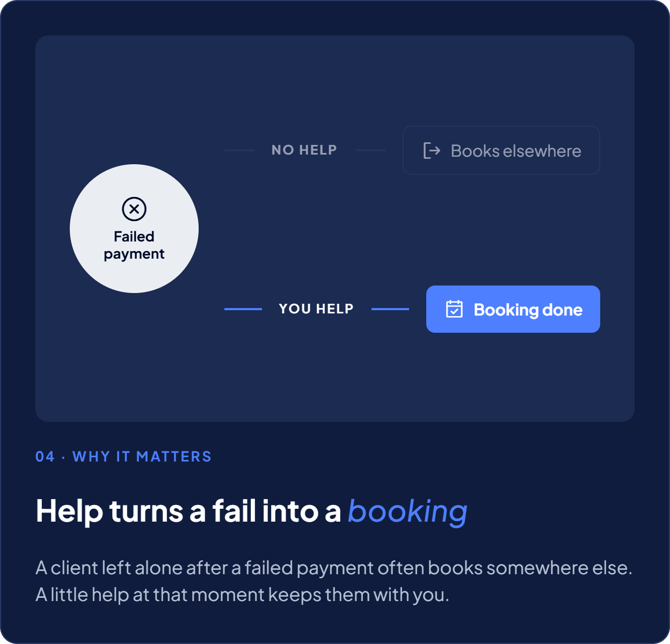
A client whose payment fails and who gets no help often doesn’t come back. They book somewhere else. When you help them through that moment, a failed payment becomes a completed booking.
Frequently asked questions
▶ Do I need to turn on Apple Pay, Google Pay, or 3D Secure?
No. All three are handled automatically through Stripe once online payments are connected and approved. There's nothing to enable or configure.
▶ Will Apple Pay or Google Pay show up for every client?
It only appears for clients whose device and browser already support it (for example, Apple Pay on Safari/iOS, Google Pay on Chrome/Android). Clients without it set up will simply see the standard card checkout.
▶ Does 3D Secure make checkout slower?
It only appears when a client's bank requires it, and it happens inside the same checkout flow — most clients complete it in a few seconds with their fingerprint or Face ID.
▶ What should I do if a client says their payment keeps failing?
Ask them to try a different card and confirm their bank allows the card for online purchases. If it keeps happening, it's usually a bank-side restriction rather than something wrong with your Fitune account.