
This counts toward the Retain pillar of your Fitune Health Score. Recurring memberships only keep working for you if the payments behind them keep working too. This article covers what happens automatically when a client's card fails, and the two things worth checking so that mechanism can actually do its job.
Why this depends on how your memberships are set up
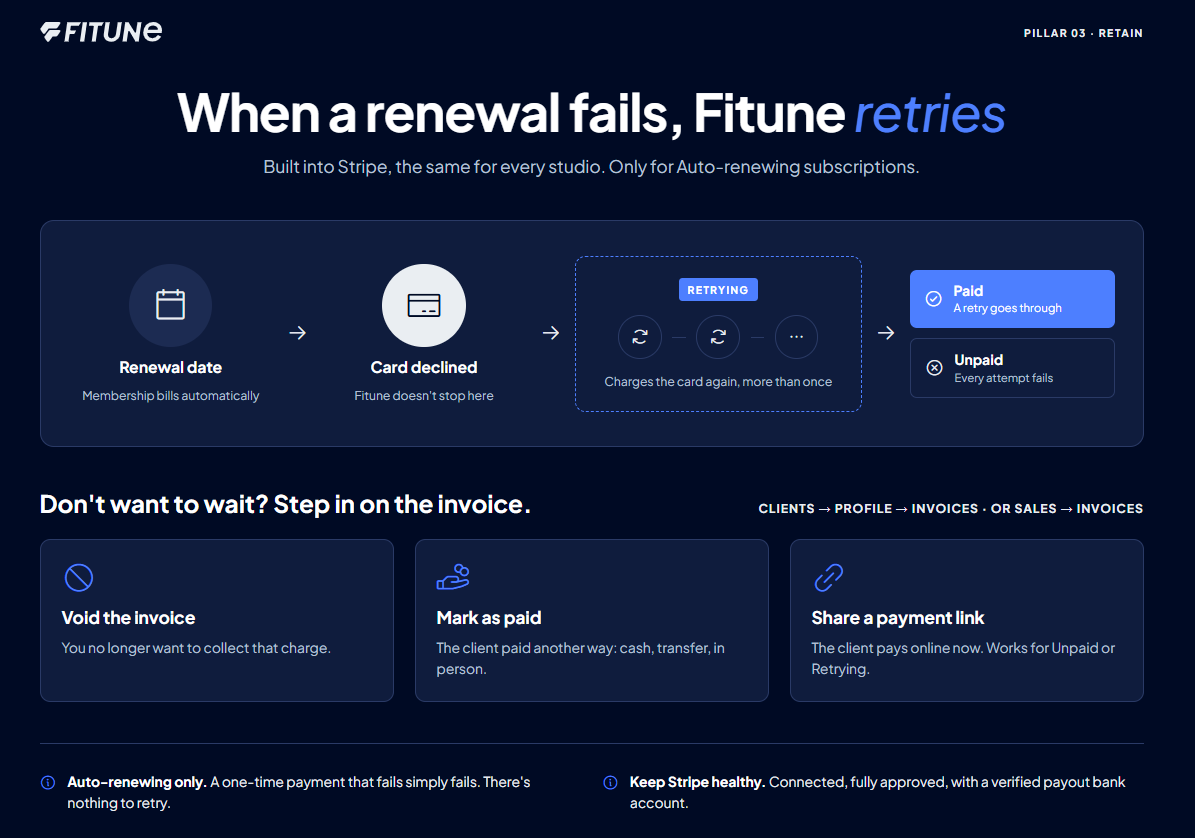
Automatic retries only apply to memberships created as an Auto-renewing subscription — not a One-time payment.
If a plan is set up as a one-time purchase, there's no recurring charge for Fitune to retry in the first place.
See how to choose between these two payment structures when creating a membership.
What happens when a client's card is declined
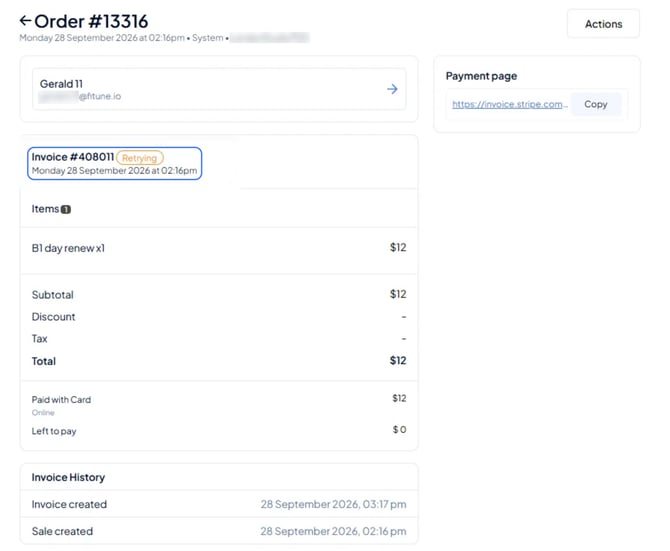
If a client's card is declined on a renewal date, Fitune does not just mark the invoice as failed and stop there. The system automatically attempts to charge the card again, more than once, before giving up — and while this is happening, the invoice shows as Retrying.
This retry behavior is not a setting you turn on or off inside Fitune — it's built into how Stripe, the payment processor behind Fitune Pay, is configured, so it always runs the same way for every studio. If every attempt fails, the invoice status changes to Unpaid.
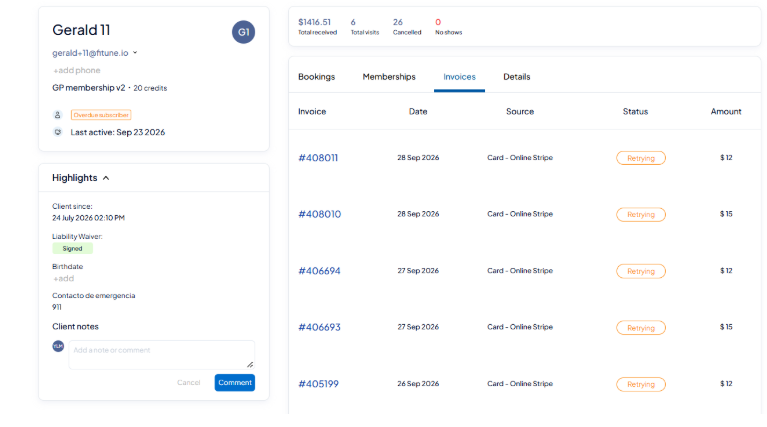
You can check on any client's payment status from Clients, opening their profile, and going to the Invoices tab.
If you'd rather not wait for the retries to finish
Since the retry schedule itself can't be changed, stepping in earlier is a manual action you take on that specific invoice, not a global setting. From the pending invoice — under Clients, the client's profile, Invoices tab, or from Sales > Invoices — you have two options:
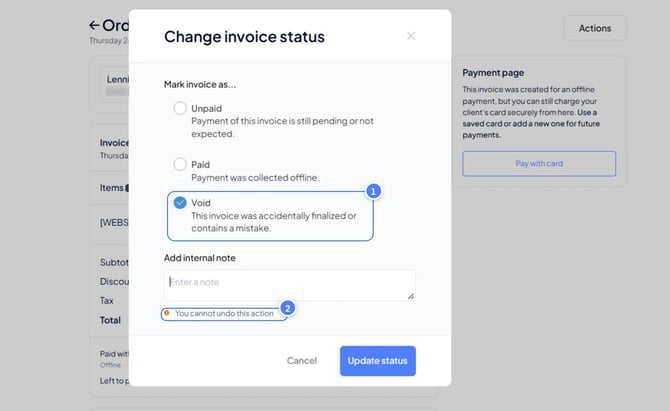
- Void the invoice, if you no longer want to collect that charge.
- Change its status to paid, if the client settled it another way (cash, transfer, in person).
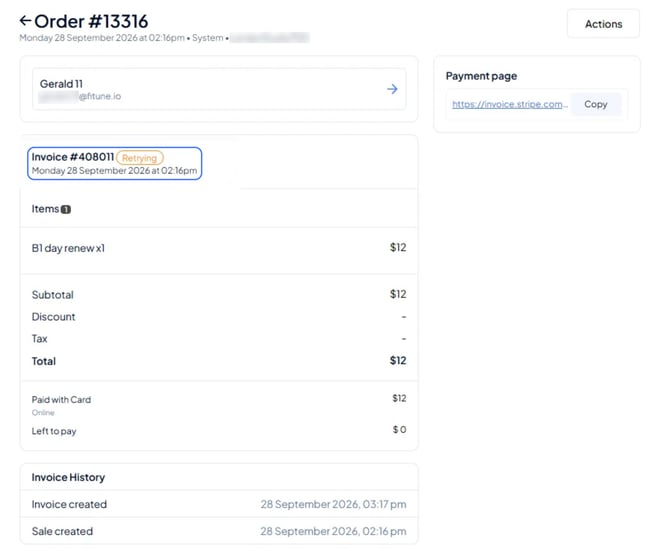
If what you actually want is for the client to pay it online instead of waiting on the automatic retries, share a payment link with them directly from the invoice — this works for any invoice that's Unpaid or Retrying.
Make sure retries actually have something to work with
Automatic retries only succeed if your studio's payment setup is healthy in the first place. That means your Stripe account needs to be connected and fully approved, with a payout bank account added and verified — see how to connect your Stripe account with Fitune if you haven't set this up yet, or want to double-check it.
Perguntas frequentes
▶ How many times does Fitune retry a failed payment?
The article doesn't specify an exact number or schedule — Stripe controls this automatically, and it isn't something you can configure from Fitune.
▶ Can I turn off automatic retries for a specific client?
Not the retry mechanism itself. What you can do is void that client's pending invoice, or mark it as paid, which stops it from being retried further.
▶ Does this apply to one-time payments too?
No — retries apply to recurring charges on memberships set up as an auto-renewing subscription. A one-time payment that fails simply fails; there's no subscription cycle behind it to retry.